
This is article 2 in a series on Kubernetes Cost Optimization. In the first article, I went through the three layers where cost waste hides. This article goes deep on one specific pattern: making dev environments exist only when someone is really using them, and scale to zero otherwise.
A client of mine was running more than 35 dev environments across their Kubernetes cluster. The client was aware that having dev environments running 24/7 makes no sense, so we started implementing a simple cron-based scaling: environments were up every weekday from 8 AM to 7 PM. This reduces costs, theoretically, by 67% (in practice we talk about ~50%, but that’s another topic).
You can clearly see the flaw with this logic: dev environments of all applications are running regardless of whether someone is using them or not. This is the problem cron-based scaling solves badly: it optimizes for time not usage.
I’ve built the on-demand version of this pattern on the client’s environment based on Istio, Prometheus and KEDA, for applications having multiple components and a plain Deployment-based Postgres setup. This article is the port of that pattern, with slight tweaks to a different stack: Cilium with Gateway API, KEDA, and CloudNativePG. The shape of the solution is the same. The details of getting there were not, and that’s why I decided to write about it.
Why cron is not enough
The case for cron is straightforward: it’s simple, everyone understands it, and it captures the obvious 50% of savings. For many teams, it’s a reasonable first move.
The case against it is that the obvious 50% is the easy part. Dev environment usage is bursty: someone works for 2 hours in the morning, steps away for half a day and comes back at 5pm and pushes changes. Some developers may like to work on something at 11pm (yes it’s bad, but we all know someone who does it). One day you may have an afternoon where the whole squad is on a sprint retro and/or sprint planning/grooming, while the environments are running, burning money and emitting CO2.
The right question is not when environments should be up. It’s whether someone is using them right now.
That’s an event-driven question, not a scheduled one. Luckily, Kubernetes has good primitives for answering it.
The Architecture
The Application Components
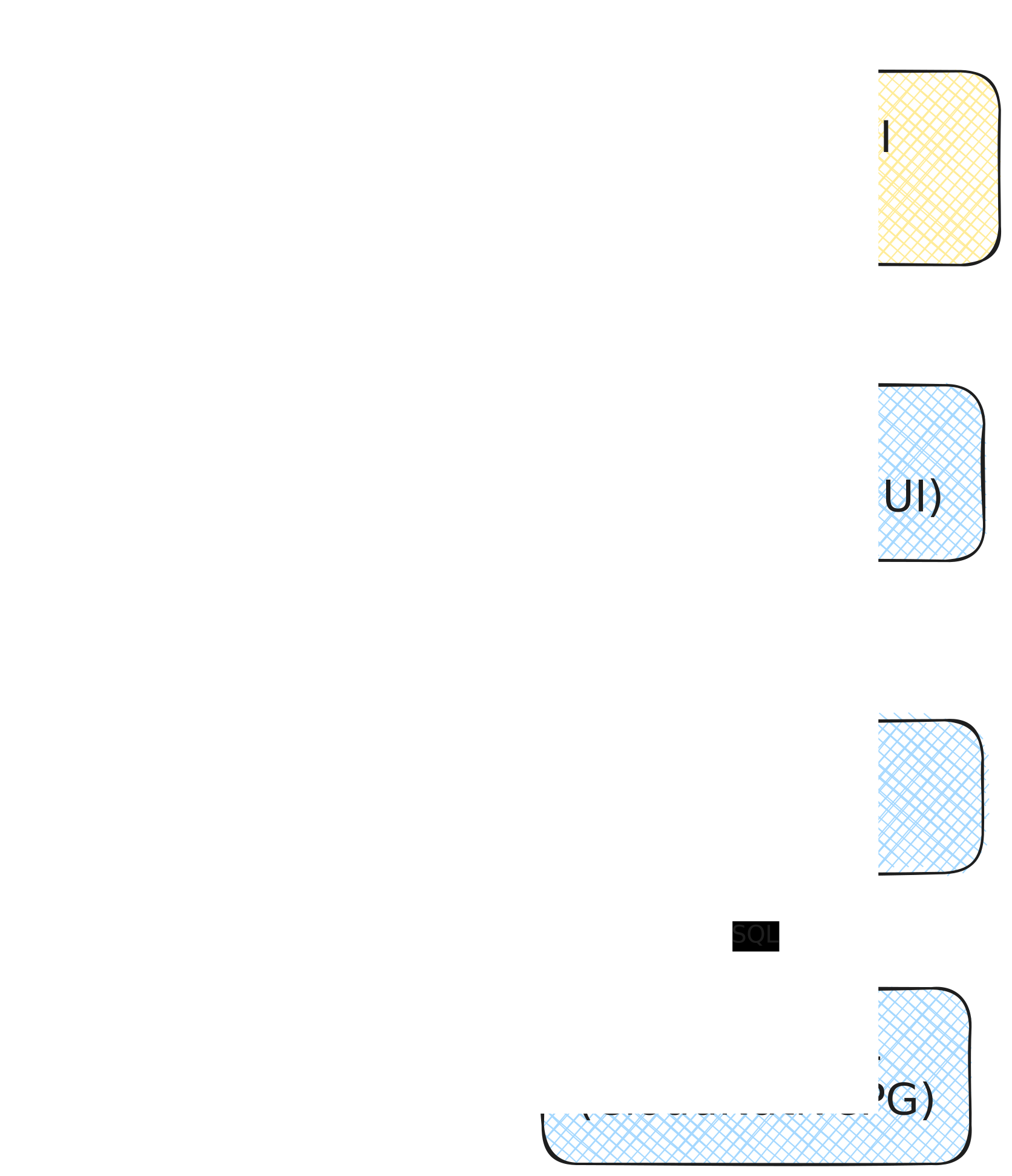
The demo application I am using in this article is a simple “Q&A Board”: Users post questions for a conference speaker, the speaker marks them as answered when done. Three moving parts: a frontend serving static assets, a backend exposing a REST API, and a PostgreSQL database managed by CloudNativePG.
Traffic enters via a hostname exposed through Cilium’s Gateway API. The frontend serves the UI and makes API calls to the backend, which in turn reads and writes to the database.
The frontend and backend are stateless Deployments, therefore natural candidates for scale-to-zero. The database is a different problem, and I’ll come back to it.
The Scaling Architecture
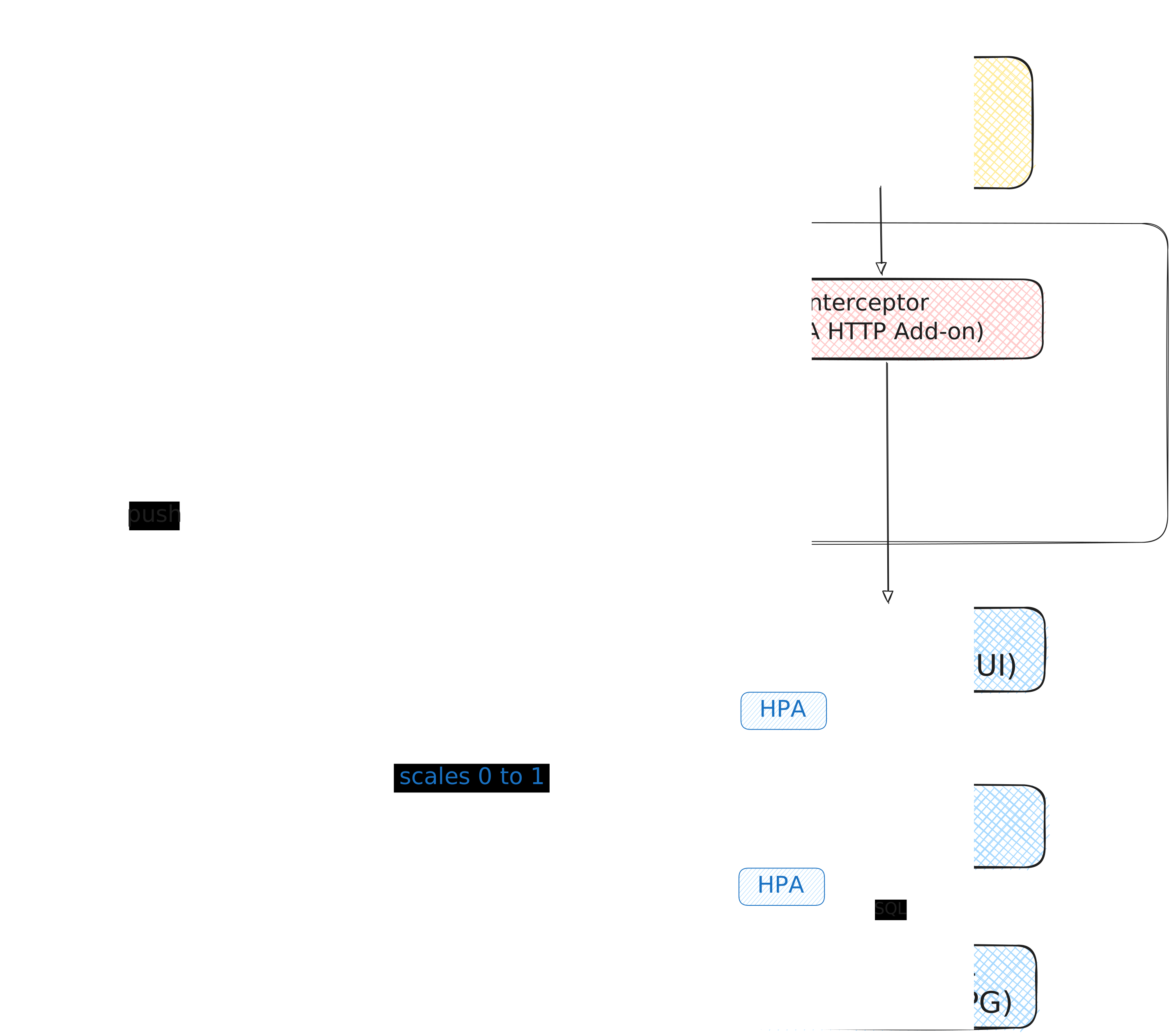
The application itself doesn’t change. The same application can be deployed with the same YAML manifests from dev to production. The only difference is what gets added on top in dev environment to scale to zero. No architectural change is required on the application side.
The solution will be based on KEDA and the KEDA HTTP add-on. This will add 2 components: an interceptor in the traffic path and a scaler that watches traffic and drives the Deployment up or down.
When a request arrives at the Gateway for an environment that’s been idle, the frontend is at zero replicas. Without anything else in place, the Gateway’s Envoy would return a 503 “no healthy upstream” and the user would see a broken page.
The interceptor sits in front of the frontend Service and changes that. It’s a small Go reverse proxy shipped with the KEDA HTTP add-on, deployed in the keda namespace, and traffic for the frontend flows through it on the way in. When a request arrives while the frontend is at zero, the interceptor holds it in a queue and emits a scaling signal through KEDA’s external scaler. KEDA picks up the signal, patches the frontend Deployment to one replica, and waits for the pod to become Ready. The interceptor then forwards the queued request. The user sees a delay of ~10-20 seconds depending on image pull state (longer if a cluster autoscaler needs to provision a node). But the important piece here is that the user never sees an error.
That handles the frontend. The backend is the non-obvious part.
The backend has no public hostname and no Gateway route. It only ever sees traffic from the frontend, which means if you scaled it on its own observed traffic, it would always wake late: the frontend would come up first, start making API calls, and get connection refused errors for the 10-20 seconds it took the backend to notice and scale. That’s a bad user experience dressed up as clever architecture.
KEDA’s external-push trigger solves this. Instead of observing its own metrics, the backend’s ScaledObject subscribes directly to the HTTP add-on’s external scaler over gRPC. This is the same source the frontend’s HTTPScaledObject is driven by. The interceptor emits a single request-rate metric for the host, both ScaledObjects consume it. When the rate crosses the activation threshold, KEDA patches both Deployments to one replica in the same controller cycle. The backend pod starts its scheduling, image pull, and container startup in parallel with the frontend’s, rather than sequentially after it.
The Journey: what didn’t work
The HTTP add-on isn’t the first thing I tried. Two designs came before it, each one seeming cleaner on paper. Both failed for reasons worth naming.
First attempt: ScaledObject with Hubble L7 metrics
Cilium was already in the cluster. Hubble was already scraping L7 flows. Using hubble_http_requests_total filtered by destination workload felt like the natural choice: no new components to install, no extra scrape targets to configure, just point KEDA at a metric that was already there.
I wrote the ScaledObject, applied it, hit the URL with the frontend at zero replicas, and watched the metric stay at zero. The browser got a 503 from Envoy. Hubble saw nothing.
Hubble observes pod-to-pod traffic. When the destination Deployment has no pods, the Gateway’s Envoy returns 503 directly without ever initiating a flow, so there’s nothing for Hubble to observe.
Second attempt: ScaledObject with Envoy upstream-cluster metric
Next hypothesis: maybe the Gateway’s Envoy itself counts request attempts, even failed ones. I enabled Envoy Prometheus metrics in the Cilium values.
Found the cluster name via count by (envoy_cluster_name) (envoy_cluster_upstream_rq_total):
kube-system/cilium-gateway-public-gateway/qna-board-dev_qna-board-frontend_80
Same failure mode as attempt 1, for the same underlying reason. Envoy’s envoy_cluster_upstream_rq_total counts requests dispatched to an upstream host. When the cluster has zero healthy endpoints, Envoy short-circuits inside the HTTP Connection Manager and returns 503 no_healthy_upstream without attempting dispatch. No dispatch, no increment.
Listener-level metrics (envoy_http_downstream_rq_completed) do increment on every incoming request regardless of upstream state, but they’re aggregated per-listener across all HTTPRoutes sharing the Gateway. There’s no per-vhost breakdown in the default Envoy stats, so I would be scaling qna-board-frontend based on traffic to every other app too.
The lesson: Both cluster-level and listener-level metrics are endpoint-attached: they either require an endpoint to exist (cluster stats) or lose the per-app dimension (listener stats). Neither solves the problem for a single-app scale-to-zero signal.
Third attempt: KEDA HTTP add-on
The HTTP add-on puts a small Go reverse proxy directly in the traffic path. It can’t miss a request because there’s no “watching from the side” problem — the request is flowing through it. And it solves the 503 problem as a side effect of its design: queued requests are held until a pod is ready, so cold-start latency replaces cold-start errors.
The trade-off is that the add-on is still beta. The API may shift. The interceptor adds a network hop. For a dev environment, none of that bothered me: beta with queued requests beats GA with 503s every time.
The implementation
The building blocks
First things first, we need to install KEDA and the HTTP Add-on.
# KEDA
helm repo add kedacore https://kedacore.github.io/charts
helm install keda kedacore/keda \
  --namespace keda --create-namespace \
  --version 2.19.0

# HTTP add-on
helm install http-add-on kedacore/keda-add-ons-http \
  --namespace keda \
  --version 0.13.0
This installs two separate things. KEDA itself is the general-purpose event-driven autoscaler. It reconciles ScaledObject and ScaledJob resources, drives HPAs, and handles the usual catalog of scalers (Prometheus, Kafka, queues). The HTTP add-on is a separate project layered on top: it brings the HTTPScaledObject CRD, deploys the interceptor as a Service in the keda namespace, and exposes an external scaler on keda-add-ons-http-external-scaler.keda:9090 for other ScaledObjects to subscribe to.
Both install cluster-wide by default, meaning they watch for their respective CRDs in any namespace. No per-namespace labeling required. A quick check that both are up:
# Check KEDA and Add-ons pods
kubectl get pods -n keda
NAME                                                    READY   STATUS    RESTARTS        AGE
keda-add-ons-http-controller-manager-6cd5c4c6b5-x7lsp   1/1     Running   1 (17h ago)     2d10h
keda-add-ons-http-external-scaler-5fbcf8d8d8-mcz9d      1/1     Running   0               2d10h
keda-add-ons-http-interceptor-78c7f6c766-bmsnw          1/1     Running   0               2d10h
keda-add-ons-http-interceptor-78c7f6c766-dp4rm          1/1     Running   0               2d10h
keda-admission-webhooks-6b6d4ff97-8v6q9                 1/1     Running   1 (2d21h ago)   2d21h
keda-operator-758874bd66-vhxfj                          1/1     Running   1 (2d21h ago)   2d21h
keda-operator-metrics-apiserver-7b49b8f5c5-68csb        1/1     Running   0               2d21h

# Check HTTP Add-ons scaler service
kubectl get svc -n keda keda-add-ons-http-external-scaler
NAME                                TYPE        CLUSTER-IP   EXTERNAL-IP   PORT(S)    AGE
keda-add-ons-http-external-scaler   ClusterIP   10.96.90.2   <none>        9090/TCP   2d10h
Updating the HTTPRoute
Before the add-on, the HTTPRoute pointed at the frontend Service directly. Now it points at the interceptor Service in the keda namespace: keda-add-ons-http-interceptor-proxy on port 8080. This is the single most important routing change in the whole setup: traffic has to flow through the interceptor, not around it. If the HTTPRoute still points at the frontend, the interceptor never sees requests, never emits signals, and nothing scales.
apiVersion: gateway.networking.k8s.io/v1
kind: HTTPRoute
metadata:
  labels:
    app.kubernetes.io/managed-by: Helm
    app.kubernetes.io/name: qna-board
    helm.sh/chart: qna-board-0.3.0
    team: qna-board
  name: qna-board
  namespace: qna-board-dev
spec:
  hostnames:
  - qna-board-dev.falcov.dev
  parentRefs:
  - group: gateway.networking.k8s.io
    kind: Gateway
    name: public-gateway
    namespace: kube-system
  rules:
  - backendRefs:
    - kind: Service
      name: keda-add-ons-http-interceptor-proxy
      namespace: keda
      port: 8080
    matches:
    - path:
        type: PathPrefix
        value: /
We also need to add a ReferenceGrant because Gateway API refuses cross-namespace backend references by default. The HTTPRoute lives in qna-board-dev, the interceptor Service lives in keda. Without the grant, the HTTPRoute controller will mark the route as rejected with a RefNotPermitted condition and no traffic will flow. The grant explicitly allows HTTPRoutes from qna-board-dev to reference Services in keda, nothing else.
You’ll need one ReferenceGrant in the keda namespace, not one per dev namespace, as long as you list each dev namespace under spec.from. For a fleet of dev environments, that grant grows a couple of lines each time a namespace is added.
apiVersion: gateway.networking.k8s.io/v1beta1
kind: ReferenceGrant
metadata:
  name: allow-http-add-on-from-kube-system
  namespace: keda
spec:
  from:
    - group: gateway.networking.k8s.io
      kind: HTTPRoute
      namespace: qna-board-dev
  to:
    - group: ""
      kind: Service
The frontend HTTPScaledObject
This tells the add-on what to scale and on what signal.
The hosts field is how the interceptor routes incoming requests to the right HTTPScaledObject. When a request arrives with Host: qna-board-dev.falcov.dev, the interceptor matches it to this object, emits metrics for it, and forwards the request to the Service under scaleTargetRef.service. Multiple HTTPScaledObjects can share an interceptor, distinguished only by hostname.
The scaleTargetRef block looks slightly unusual because it carries two distinct concepts: what Deployment to scale (name, kind, apiVersion) and what Service to forward traffic to once pods are ready (service, port). In this app they happen to match by name, but they don’t have to. The Service could be named differently from the Deployment.
apiVersion: http.keda.sh/v1alpha1
kind: HTTPScaledObject
metadata:
  name: qna-board-frontend
  namespace: qna-board-dev
spec:
  hosts:
    - qna-board-dev.falcov.dev
  scaleTargetRef:
    name: qna-board-frontend
    kind: Deployment
    apiVersion: apps/v1
    service: qna-board-frontend
    port: 80
  replicas:
    min: 0
    max: 3
  scalingMetric:
    requestRate:
      granularity: 1s
      targetValue: 5
      window: 1m
  scaledownPeriod: 600
The scaling math sits in scalingMetric.requestRate. The interceptor counts requests over a sliding 1-minute window with 1-second granularity, then divides by the number of replicas to get a per-replica request rate. When that rate crosses targetValue: 5, KEDA adds replicas. The scaledownPeriod: 600 is how long traffic must sit below the threshold before the Deployment scales back down, tuned deliberately low for a dev environment where cold-start latency on the next request is acceptable.
The backend ScaledObject with external-push
The backend is a plain ScaledObject, not an HTTPScaledObject, because the backend has no Gateway route of its own. It never receives traffic directly from outside the cluster, so the HTTP add-on has nothing to intercept on its behalf.
apiVersion: keda.sh/v1alpha1
kind: ScaledObject
metadata:
  name: qna-board-backend
  namespace: qna-board-dev
spec:
  scaleTargetRef:
    apiVersion: apps/v1
    kind: Deployment
    name: qna-board-backend
  minReplicaCount: 0
  maxReplicaCount: 3
  cooldownPeriod: 600
  idleReplicaCount: 0
  triggers:
    - type: external-push
      metadata:
        httpScaledObject: qna-board-frontend
        scalerAddress: keda-add-ons-http-external-scaler.keda:9090
What makes this work is the external-push trigger. Instead of observing its own traffic, the backend subscribes over gRPC to the HTTP add-on’s external scaler at keda-add-ons-http-external-scaler.keda:9090. The httpScaledObject: qna-board-frontend field tells the scaler which HTTPScaledObject’s signal to forward: when the interceptor sees traffic for qna-board-dev.falcov.dev, the external scaler pushes a scaling event that both the frontend’s HTTPScaledObject and this ScaledObject receive. Both Deployments react in the same reconciliation cycle.
What to know
Gotchas
Cold start is real. The first request to an environment that’s been idle takes 10-20 seconds, sometimes longer. The interceptor hides this behind a queued request rather than a 503, but the user still waits. Engineers tolerate this immediately for dev work if it was communicated, and because they see the rationale behind it. For other customer-facing environments, think twice about whether scale-to-zero is the right answer, or whether scale-to-one is more honest.
The interceptor adds a network hop. Every request to a scaled application now flows through a Go reverse proxy in the keda namespace before reaching the app. The latency overhead is very small and invisible in dev environments. For more sensitive environments, that interceptor becomes a central component that needs proper monitoring and scaling.
The HTTP add-on is beta. As of writing, it’s still in beta and the API may shift before it stabilizes. I’d recommend pinning the version you install and reading release notes before upgrading.
PVCs don’t scale with replicas. A workload using PersistentVolumeClaims keeps paying for the underlying volumes even at zero replicas. The pods disappear, the storage stays. Scale-to-zero saves compute, not storage.
The savings
The concrete numbers will depend on how your environments are actually used. A dev environment used by 5 Engineers from 9am to 6pm every weekday is different from one with occasional activity throughout the week. What matters isn’t the specific percentage. It’s the shape: you pay for actual usage, not idle time.
With cron-based scaling, a dev environment with zero activity on Monday morning costs as much as an environment with full activity. With on-demand scaling, idle time is free. And this scales across namespaces without extra thought.
What’s left
The apps scale to zero cleanly. The database does not.
We’re using CNPG to deploy our Postgres database. Theoretically, the CNPG Cluster resource exposes a /scale subresource, so we can think it can be used to scale the cluster to zero, but 0 is not a valid value for the spec.instances. Trying to patch the cluster to 0 replicas will be rejected by the controller.
However, scaling a CNPG Cluster to zero is achievable through the cnpg.io/hibernation=on annotation.
So here is the shape of the problem: KEDA knows about the signal when it comes, CNPG can hibernate a Cluster, but the bridge between the two is missing. That bridge is what the next article is about.